YOUR ROAD. YOUR STORY.
Every drive
tells a story.
The roads you take. The stops you make. The moments you bring home. Keep them together with TesDrive, your personal trip journal for iPhone.
Download on the App Store Explore TesDriveAvailable on the App Store · iOS 17 or later
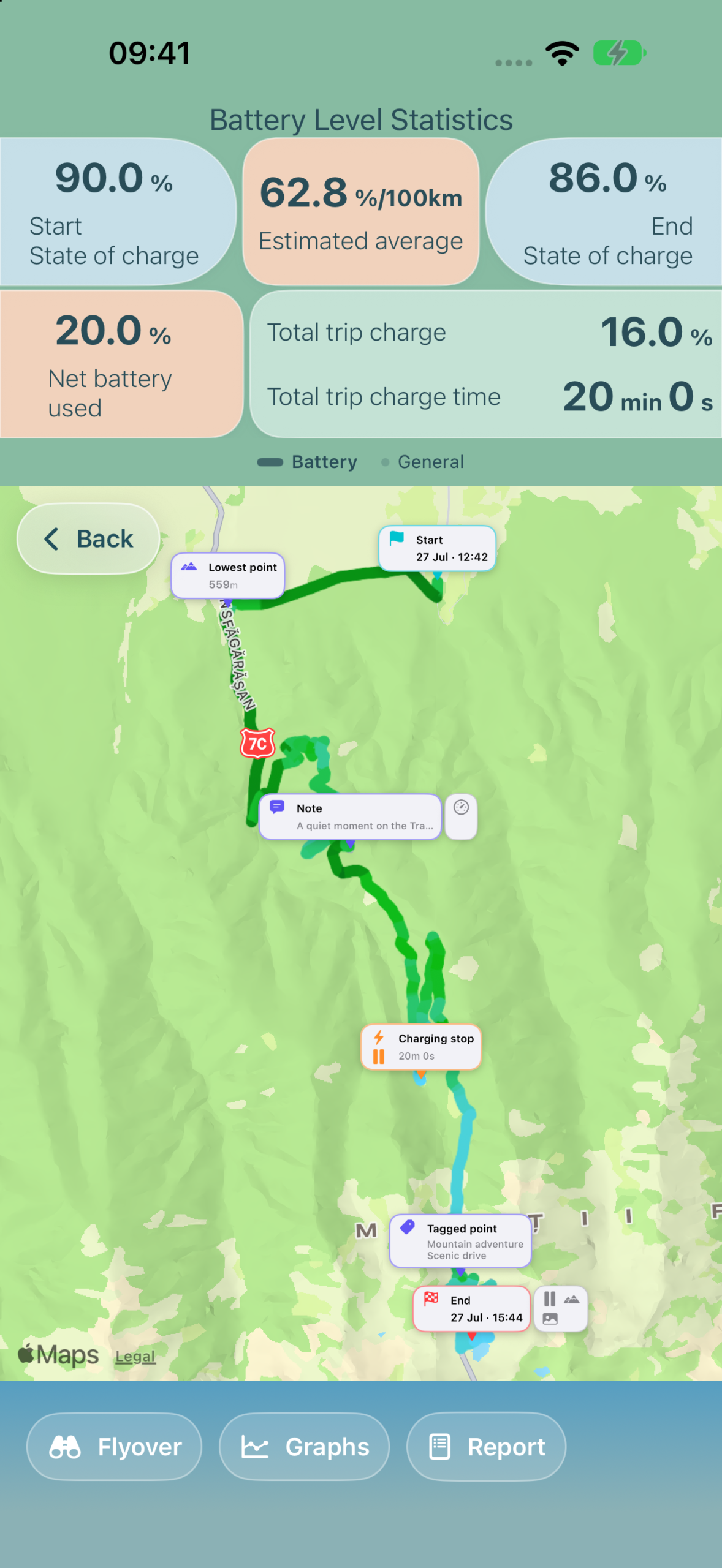
FROM YOUR FIRST MILE TO YOUR LAST MEMORY
Your journey.
In a little more detail.
A map is just the beginning. Discover the rhythm of your drive, then make the story your own.
01 / RECORD
Follow your journey
Start with a swipe. Bring together your iPhone’s GPS and available vehicle readings to record your route, speed, altitude and battery level.
02 / RELIVE
Take the scenic view
Revisit your route on the map, explore a flyover and see how your journey unfolds through interactive graphs and charging details.
03 / REMEMBER
Keep the small moments
Add photos, notes and tags along the way. Turn your journey into a personal trip journal to export, share or keep.
A CLOSER LOOK
The whole drive.
The little details.
Follow the route, understand your stops and revisit the moments that made the journey yours.
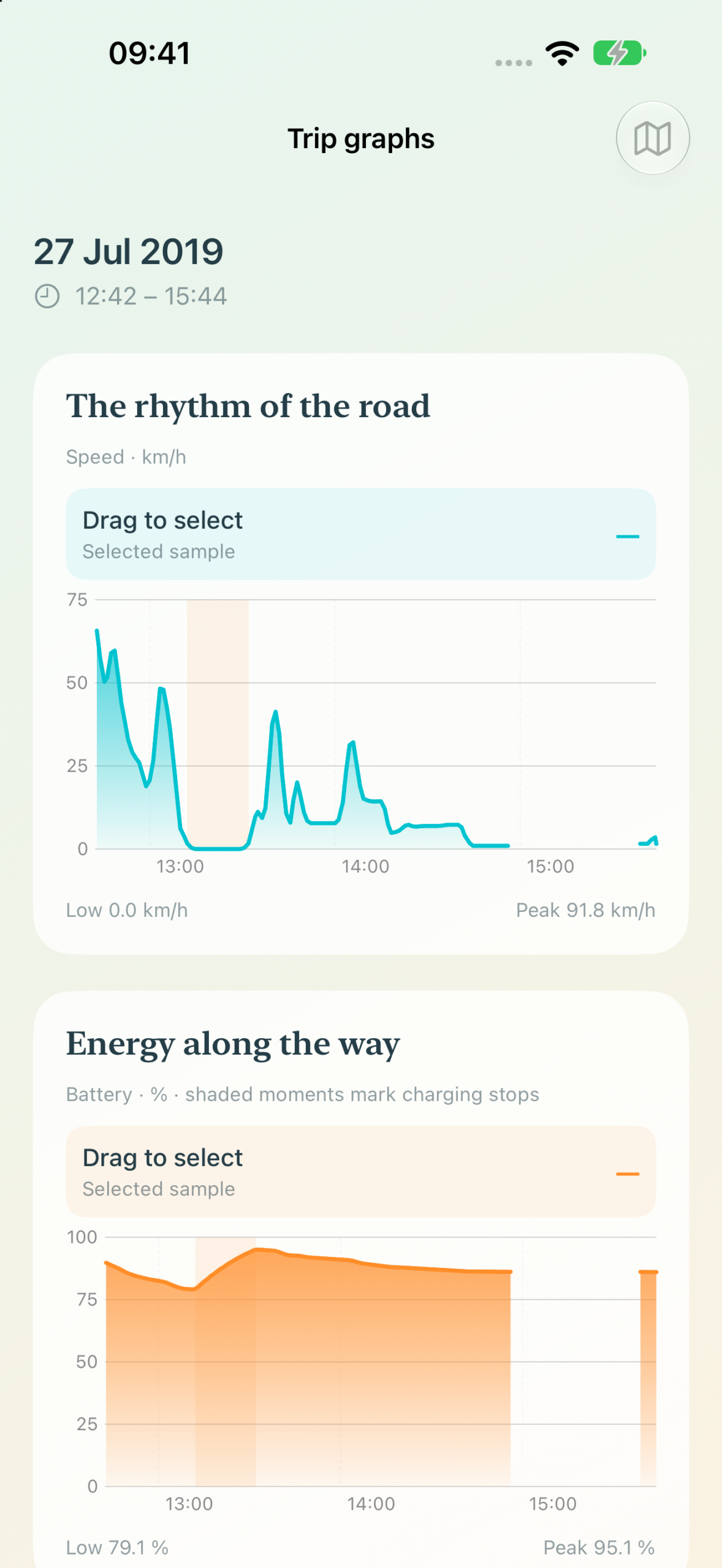
The rhythm of the road
Explore speed, elevation and battery trends throughout your trip.
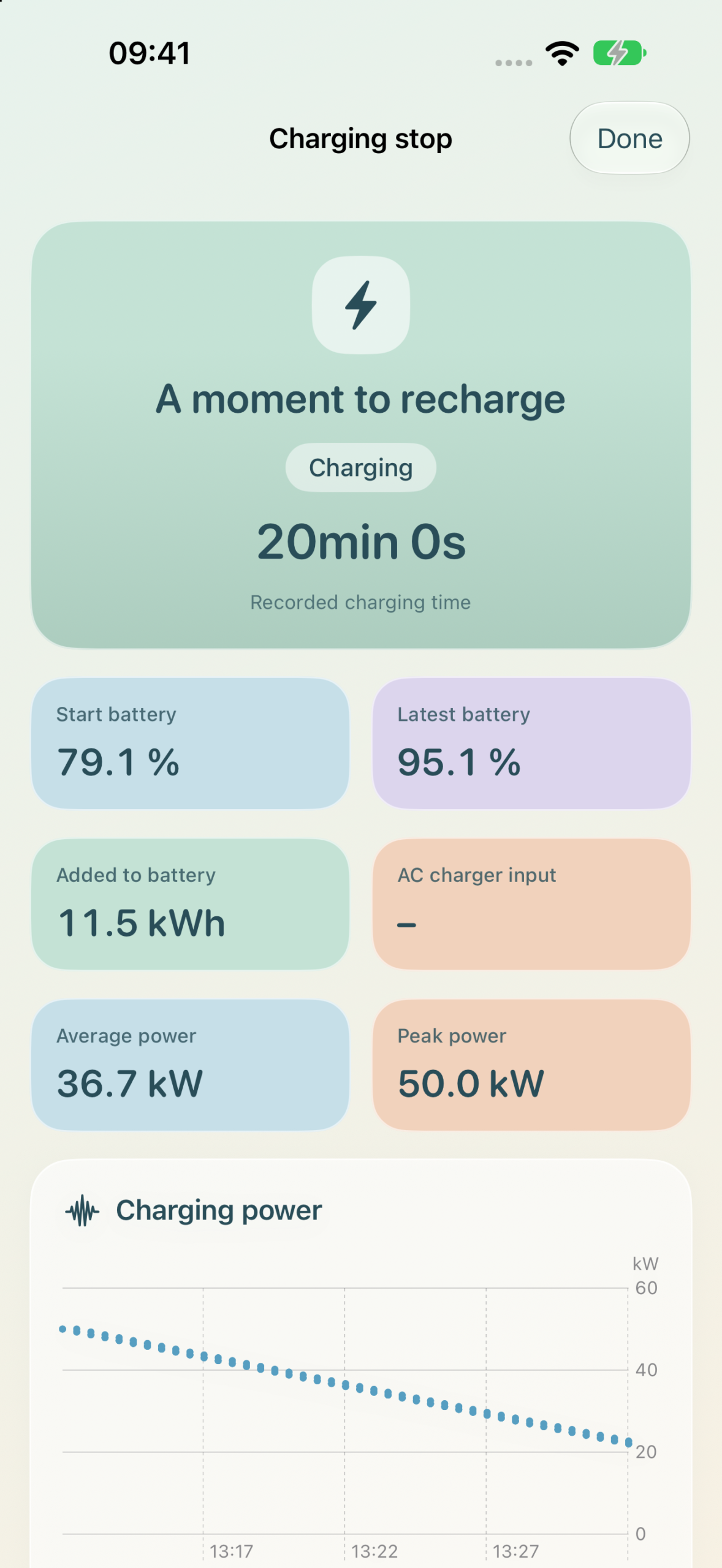
A moment to recharge
See your charging stops, battery gains and available charging measurements.
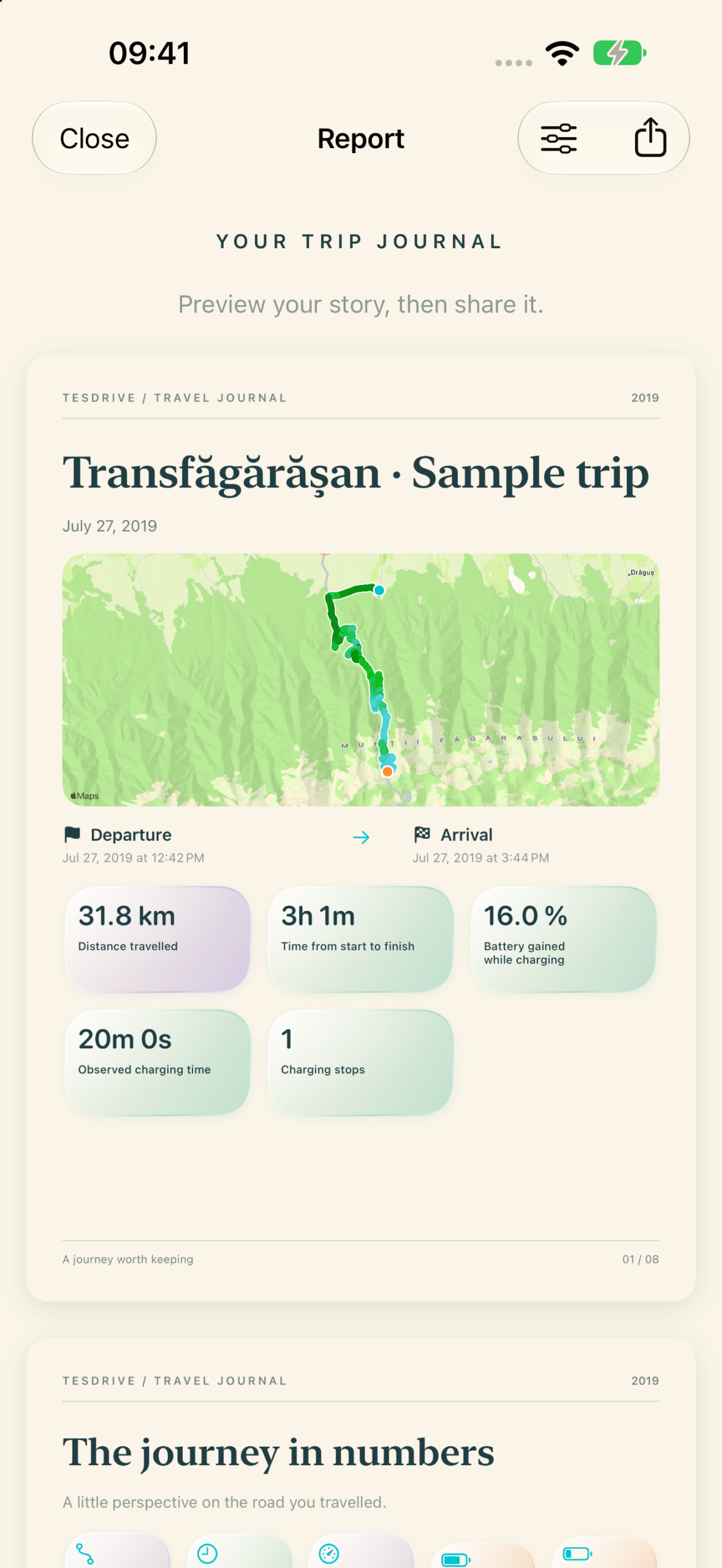
A story to take home
Bring your route and memories together in a journal made to be revisited.
Screens show a sample journey. Available readings depend on your vehicle and connection.
YOUR JOURNEYS, KEPT CLOSE
A journal that
comes home with you.
Your saved trips, photos, notes and phone GPS measurements live on your iPhone. Available vehicle readings pass through our server to join your recording. You choose when a trip starts and ends.
Read our privacy policy ↗
A little help
along the way.
TesDrive is available on the App Store. Have a question or an idea for your next journey? We’d love to hear it.
Get in touch ↗Trip recording requires a subscription. Live vehicle readings require a compatible Tesla, a Tesla account and connection setup. Background location recording depends on permissions and iOS limits.